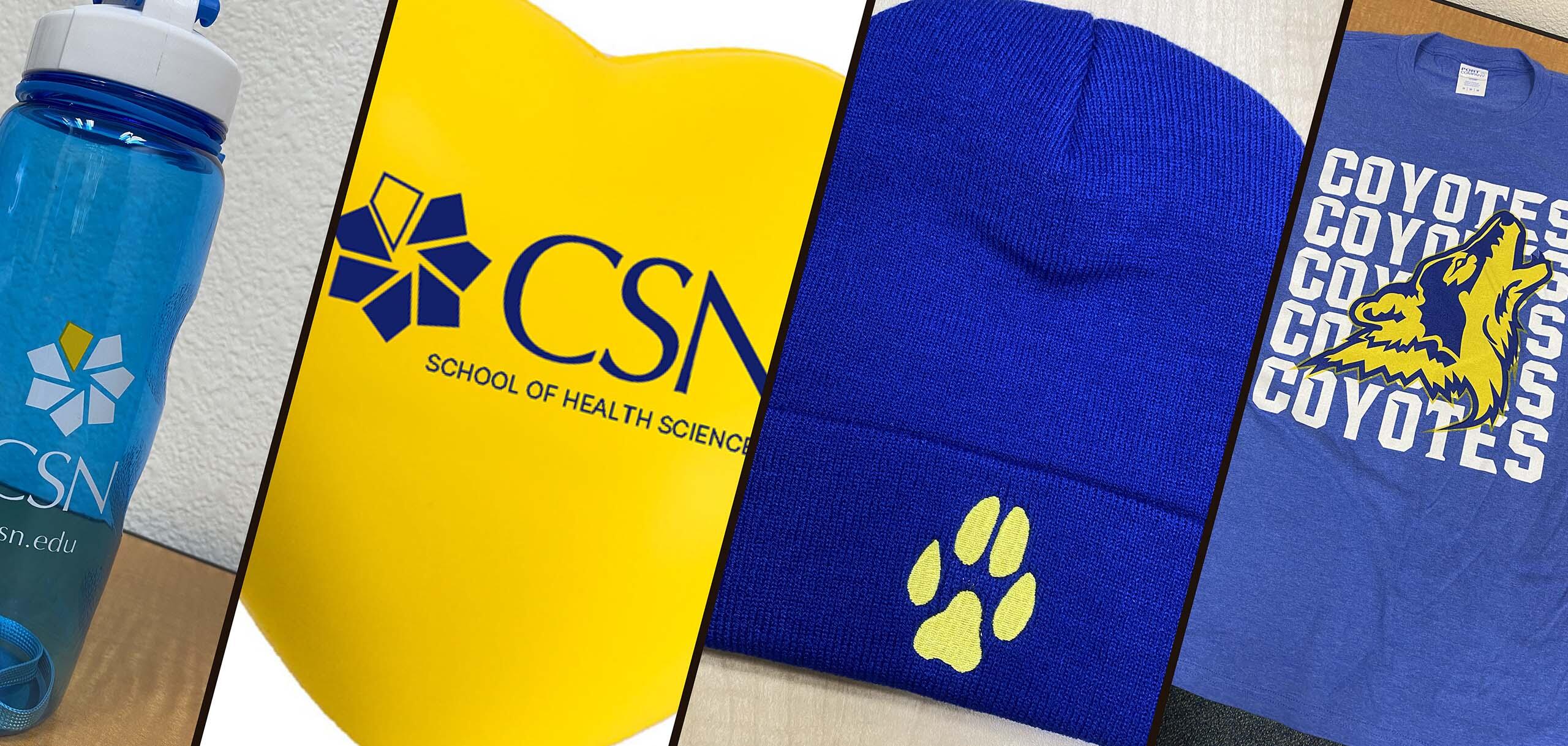
Marketing and Communications is your branding partner for on-brand, compliant, cost-effective merchandise.
What’s New
Name Tags will now be fulfilled by Smile Promotions. Ordering details are below.
Vendor: Smile Promotions
- Ordering Instructions: Browse products at eandi.smilepromotions.com.
Departments must contact Smile directly before placing an order. - Name Tag Style Sheet - Use this document as a guide to order your name tag.
- Contract Information: E&I Contract #CR001394
- Primary Contact: Rula Hanania, CEO
Email: rhanania@smilepromotions.com
Phone: (812) 307-4683 - Secondary Contact: Stella Brock, Account Executive Manager
Email: sbrock@smilepromotions.com
Phone: (812) 307-4684
Awards
- Website: www.desertwindawards.com
- Owner: Chris Shank
Email: shanktopher1@aol.com
Phone: (702) 363-5955
Mobile: (702) 469-6235 - Address:
6875 W. Charleston Blvd., Suite A
Las Vegas, NV 89117
- Contact: Aaron
Email: Aaron@VegasTrophies.com
Phone: (702) 871-1065 - Address:
6336 West Sahara Avenue
Las Vegas, NV 89146
As of August 16, 2026, the College will have an updated list of contracted promotional item suppliers, giving departments more flexibility and choice when purchasing branded merchandise.
When purchasing promotional items, departments must use one of the contracted suppliers listed below. You are strongly encouraged to obtain quotes from all four suppliers to ensure the best pricing.
Important: Prior commodity approval is required for every order that includes the printing of the CSN name, logos, and associated brands.
Once your request is approved, be sure to:
- Upload the commodity approval email, proof(s), and receipt in Workday.
- File a copy of the approval with proof(s) in your cardholder binder.
If you prefer not to use your P-Card for the purchase, you may submit a requisition through Workday instead.
Contracted Suppliers
Consolidus
Ordering Instructions: Register at GovMVMTPromos.com to access contract products and place orders.
Contract Info: GovMVMT Contract #23-05
Contacts:
- Chad Tumino — chad.tumino@consolidus.com
- Andy Halm — andy.halm@consolidus.com
Address / Phone:
Suite 804
Akron OH 44311
(866) PromoHelp (776-6643)
Smile Promotions
Ordering Instructions: Browse products at eandi.smilepromotions.com. Departments must contact Smile directly before placing an order.
Contract Info: E&I Contract #CR001394
Primary Contact: Rula Hanania, CEO
Email: rhanania@smilepromotions.com
Phone: (812) 307-4683
Secondary Contact: Stella Brock, Account Executive Manager
Email: sbrock@smilepromotions.com
Phone: (812) 307-4684
4Imprint
Ordering Instructions: Place orders at 4imprint.com or contact licensing customer service. Use code CP10 for contract pricing.
Contract Info: Choice Partners Contract #24/043SG-01
Contact: Matt Dahm Email: Licensing@4imprint.com
Phone: (866) 624-3694
Blink Marketing
Ordering Instructions: Browse products at products.blinkmarketing.com. Departments must contact Blink directly before placing an order.
Contract Info: Choice Partners Contract #25-025SG
Contact: Cortney Goodson
Email: cgoodson@blinkmarketing.com
Phone: (615) 599-1231
Shipping Requirements
Goods ordered on the P-Card may only be shipped to a valid CSN address.
Shipping labels must include:
- Cardholder’s First and Last Name
- Campus Address
- Sort code
- CSN Phone Number
Example:
John Q. Public
3200 East Cheyenne Ave.
Sort Code ABC123
North Las Vegas, NV 89030-1234
(702) 651-4458
Questions?
Contact the P-Card Team for assistance.
Commodity Approval Requirement
Prior commodity approval is required for every order that includes printing the CSN name, logo, or any official brand elements. The artwork you receive marked as “approved” is valid for one-time use only. Even if similar artwork was approved for a previous project or event, each new purchase requires a new commodity approval.
Once your request is approved, be sure to:
- Upload the commodity approval email, proof(s), and receipt in Workday.
- File a copy of the approval with proof(s) in your cardholder binder.
FAQ
The CSN main logo includes the pinwheel and the full College of Southern Nevada name—our most recognizable institutional marks. The CSN house of brands includes logos for CSN programs, departments, and attached entities such as ASCSN, The Den, First Year Experience, Faculty Training and Leadership Center, and other areas within the CSN organization.
No. All CSN logos and sub-brand marks must be created or approved by the Office of Marketing & Communications (MarCom). This ensures consistency, accessibility, and compliance with CSN brand standards.
No. Logos may not be altered, stretched, recolored, rearranged, or combined with other graphics. Approved logos must be used exactly as provided. If you need a specific variation (horizontal, vertical, color, one-color, etc.), contact MarCom.
The Office of Marketing & Communications is your partner for all branding needs. MarCom will guide you through logo requests, promotional items, campaigns, and brand-compliance questions.
- It is a requirement as part of the purchasing process.
- Commodity approval ensures brand accuracy, protects CSN’s identity, and prevents unauthorized or incorrect use of CSN logos or brand elements. It also maintains consistency across vendors and ensures all promotional items meet CSN’s quality and compliance standards.
Commodity approval is a required step in the purchasing process. Any item featuring the CSN name, main logo, or any house-of-brands logo must receive approval to ensure proper brand use and accurate purchasing records.
Commodity approval must be completed before the purchase—whether you are using a P-Card or submitting a requisition.
Each commodity approval is valid for one-time use only. A new approval is required for every purchase, even if the artwork or design was previously approved.
Yes. Prior commodity approval is required for any order that includes printing the CSN name, logo, or any official brand element. Approved artwork is valid for one‑time use only, and each new purchase requires a new commodity approval.
Official CSN logos are available in the Media Resources section of CSN news blog. This includes:
- Classic CSN logos (horizontal & vertical)
- White logo versions
- Updated CSN logo files
- The Branding Guidelines PDF
These assets are intended for internal users, media partners, and vendors who need official CSN brand materials.
If you need to work with a supplier that is not listed here, please consult Ask P-Card or your purchasing representative. Details about purchasing representatives and the purchasing process can be found on the Purchasing page.