
Whether you're seeking advice, sharing insights or setting goals together, Mentoring Moments streamlines college support so you can focus on what matters: building meaningful connections.”
Flexible, App-Based Support for Student Success
Mentoring Moments is an app-driven experience that connects CSN mentors, mentees and peers for quick, meaningful guidance. Through the Mentor & Match app, participants engage in brief, often spontaneous interactions that build a supportive network for sharing advice, asking questions and setting goals. Together, participants can define short- and long-term goals — and celebrate progress along the way — all while keeping the experience flexible, informal and student-centered.

Who are our mentees?
Currently enrolled CSN students (with summer semester enrollment being optional).

Who are our mentors?
They are active or retired faculty and staff who volunteer to be mentors.
What does mentoring look like?
FAQs about Mentoring Moments
1. Watch the Training Series
Access the full video series in the Mentor & Match app. (Find navigation help under Mentoring Resources.)
2. Stay Committed
Be available at least once a month during the academic year and stay actively engaged with your mentee.
3. Respect Confidentiality
Maintain privacy and trust in all mentoring conversations.
4. Share Your Feedback
Complete a short end-of-semester survey (just 10 minutes) to help us improve the program.
Mentor-mentee match suggestions are based on shared profile details, such as common interests or life experiences—like having the same major or being a first-generation college student. That’s why it’s important to complete your profile thoroughly—the more you share, the better your match suggestions!
Mentoring Moments participants are encouraged to connect freely with mentors, mentees and peers—as many as you'd like!
If you'd prefer to pause new connection requests, simply switch on Invisible Status in your Settings.
Your existing connections will always remain visible to each other.
Mentoring Moments is designed for flexible engagement throughout the fall and spring semesters. Mentors, mentees and peers can connect whenever and however often they choose.
We recommend checking in at least once a month to build meaningful relationships.
If you're part of a structured mentoring experience—like Nevada Promise—you’ll need to meet specific participation requirements as outlined by the program.
If you have goals you'd like to achieve, share them early in your mentoring relationship. This helps set clear expectations and lets your mentor know where support is most needed.
Together, you can:
- Define your goals
- Create action steps
- Set milestones and timelines
Be sure to check in on your progress regularly and stay flexible—plans may need adjusting along the way. And don’t forget to celebrate your wins together as you reach each milestone!
Contact the Office of the Vice President for Student Affairs.
Mentoring Resources

Downloading the Mentor & Match App


Using the Mentor & Match App
The Mentor & Match app is your central hub for connecting with mentors, mentees and student peers at CSN. Designed to support goal-driven conversations, the app proposes match suggestions based on shared interests, goals and expertise.
With features like profile customization, meeting scheduling, progress tracking and feedback exchange — plus in-app calling, video chats and messaging — the app makes mentorship simple, flexible and effective.
Whether you're seeking advice, sharing insights or setting goals together, the Mentor & Match app streamlines the experience so you can focus on what matters: building meaningful connections.
If you are experiencing technical issues with the Mentor and Match app, please contact us by emailing career.services@csn.edu.
For faster service, please include "Mentor and Match troubleshooting" in the subject line.
FAQs about the Mentor & Match App
Step 1: Activate Your Account
Use your smartphone for the best experience when setting up your Mentor & Match account.
Step 2: Download the Right App
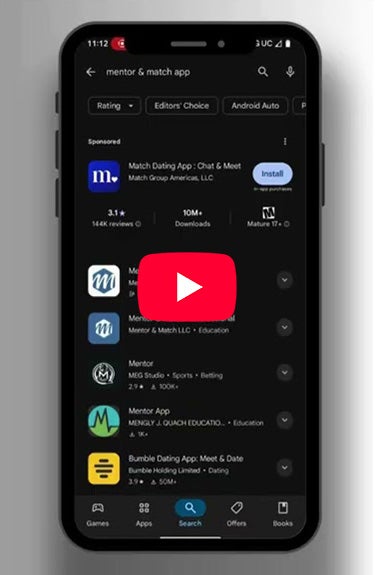
Search for and install Mentor & Match – Student from the Apple App Store or Google Play Store.
Note: Do not download the “Professional” version.
Step 3: Request Access
Email career.services@csn.edu using your CSN email account.
- Subject line: Mentor & Match Set-Up
- Include: Your full name, CSN email address and whether you’d like to join as a mentor, peer mentor or mentee.
Step 4: Watch for Your Invitation
Within 2–3 business days (Monday–Friday), you’ll receive a no-reply email titled Invitation to Mentor & Match.
Tap the login link in the email to create your password and get started.
Mentors can access a training video series directly in the Mentor & Match app:
- Tap the Profile icon (bottom right of the home screen)
- Select the Settings icon (top right)
- Tap Mentor Resources, then Mentor Training
- Watch the videos in order — total viewing time is about 40 minutes
Mentees can also access a dedicated training video series directly in the app:
- Tap the Profile icon (bottom right of the home screen)
- Select the Settings icon (top right)
- Tap Mentee Resources, then Mentee Training
- Watch the videos in order — total viewing time is about 20 minutes
Mentor & Match maintains industry standards regarding the platform’s accessibility, as well as ensuring privacy afforded by the Family Educational Rights and Privacy Act (FERPA), Health Insurance Portability and Accountability Act (HIPAA) and company privacy policies.
Tutorials available to navigate the Mentor & Match app
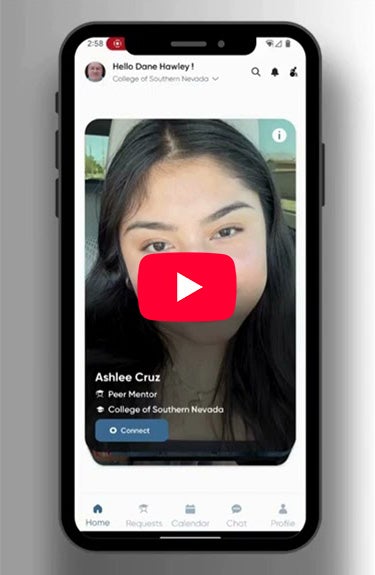
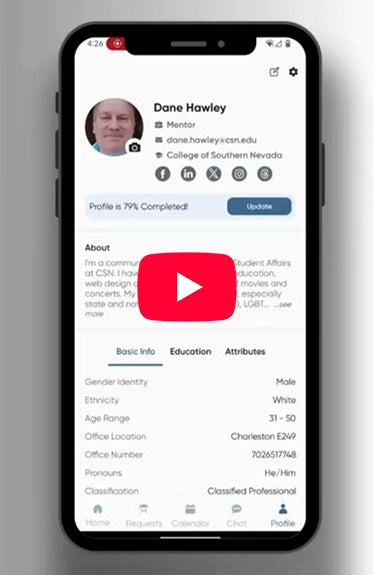
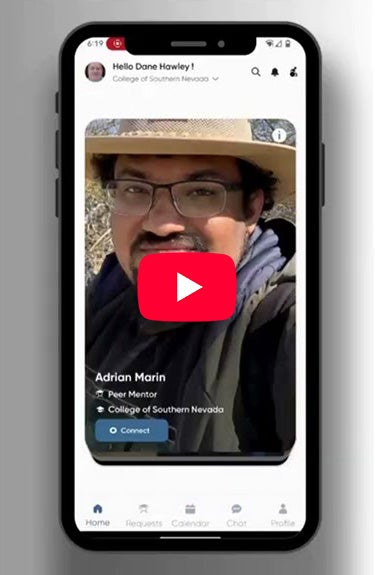
Watch the Mentor & Match app navigation videos (below) for information on creating a profile, making connections, learning about the icons and symbols and more.
CSN Guide
The CSN Guide is a multilingual, AI-powered tool available online and within the Mentor & Match app (under Settings and myCollege Resources).
Mentors and mentees can use the guide together or independently to access:
- CSN information
- Campus-based resources
- Las Vegas area community support for basic needs and mental health
No need for mentors to know everything about CSN operations — the CSN Guide is here to help!